
Binary to Octal Conversion: A Simple Guide to Converting Base-2 to Base-8
Binary ⇄ Octal converter
Convert binary code to octal, or octal back to binary — instantly, in your browser.
Binary to octal conversion is the process of transforming numbers from base-2 (binary) into base-8 (octal) format. According to recent data from IEEE Computer Society, octal representation is used in over 40% of legacy computer systems and embedded systems programming because it provides a more compact way to represent binary data.
Understanding this conversion matters whether you’re a computer science student, programmer, or just curious about number systems. You’ll learn two practical methods to convert binary numbers to octal, complete with examples and a ready-to-use conversion binary to decimal foundation that makes the process clear.
What Is Binary Number System and Why It Matters
Binary is the foundation of all digital computing. It uses only two digits: 0 and 1.
Every piece of data in your computer, from the text you read to the videos you watch, gets stored as sequences of binary digits called bits. Modern processors handle billions of these binary operations per second. The system works because electronic circuits can easily represent two states: on (1) and off (0).
Binary numbers grow long quickly. The decimal number 255 becomes 11111111 in binary. That’s where octal comes in handy.
What Is Octal Number System and Where You’ll Use It
Octal is a base-8 number system that uses eight digits: 0, 1, 2, 3, 4, 5, 6, and 7. Each octal digit represents exactly three binary digits, making conversion between the two systems straightforward.
Programmers use octal in Unix file permissions. When you see chmod 755, that’s octal notation. Each digit represents read, write, and execute permissions. Octal also appears in assembly language programming and older computer architectures like the PDP-8.
The beauty of octal is compression. Three binary digits become one octal digit. The binary number 111101001 becomes 751 in octal, much easier to read and write.
How Does Binary to Octal Conversion Work
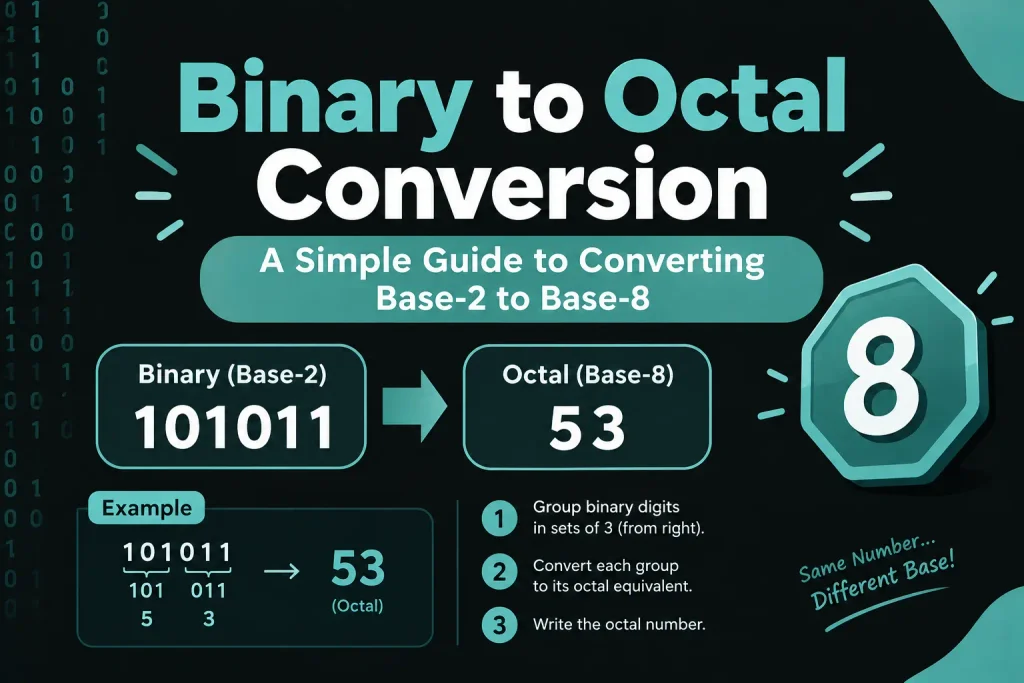
Binary to octal conversion groups binary digits into sets of three, starting from the rightmost digit. Each group of three binary digits corresponds to one octal digit from 0 to 7.
Two methods exist for this conversion. The direct method groups binary digits and converts each group separately. The indirect method converts binary to decimal first, then decimal to octal. Most people prefer the direct method because it’s faster and requires less calculation.
Think of it like translating between languages. You can translate Spanish to English directly, or go Spanish to French to English. The direct route works better here.
Binary to Octal Conversion Using Direct Method
The direct method is the most efficient way to convert binary to octal numbers.
Step-by-Step Process for Whole Numbers
Start from the rightmost digit of your binary number. Group the digits into sets of three, moving left. If the leftmost group has fewer than three digits, add zeros to the left side.
Each three-digit binary group converts to one octal digit using this reference:
| Binary | Octal |
|---|---|
| 000 | 0 |
| 001 | 1 |
| 010 | 2 |
| 011 | 3 |
| 100 | 4 |
| 101 | 5 |
| 110 | 6 |
| 111 | 7 |
Let’s convert 101110011 to octal. Group from right to left: 101 110 011. That gives you 5, 6, 3 in octal. The answer is 563.
Converting Binary Numbers with Decimal Points
Binary fractions work differently. Split the number at the decimal point. Group whole numbers from right to left as usual. Group the fractional part from left to right.
Take 1101.1011 as an example. The whole part 1101 groups as 001 101, which converts to 15 in octal. The fractional part .1011 groups as 101 100 (add a zero at the end), converting to 54. Put them together: 15.54 in octal.
Common Mistakes to Avoid
People often group binary digits in the wrong direction for decimal fractions. Remember: whole numbers group right to left, fractions group left to right.
Another mistake is forgetting to add leading zeros. If your leftmost group has only one or two digits, pad it with zeros. The group 11 should become 011 before conversion.
Binary to Octal Conversion Using Indirect Method
The indirect method goes through decimal as an intermediate step. Convert binary to decimal first, then convert that decimal to octal.
Converting Binary to Decimal First
Take each binary digit and multiply it by 2 raised to its position power, counting from zero at the rightmost digit. Add all these products together.
For binary 10110, the calculation goes: (1×2⁴) + (0×2³) + (1×2²) + (1×2¹) + (0×2⁰) = 16 + 0 + 4 + 2 + 0 = 22 in decimal.
This conversion binary to decimal step is straightforward once you understand place values.
Converting Decimal to Octal
Divide the decimal number by 8 repeatedly. Write down the remainders after each division. The octal number is these remainders read from bottom to top.
Let’s convert decimal 22 to octal. Divide 22 by 8, you get quotient 2 and remainder 6. Divide 2 by 8, you get quotient 0 and remainder 2. Reading remainders from bottom to top gives 26 in octal.
So binary 10110 equals octal 26, matching our direct method result.
When to Use the Indirect Method
Use this method when you need the decimal value anyway. Some programming tasks require all three representations. The indirect method also helps verify your direct method calculations.
Real-World Examples of Binary to Octal Conversion
Practice makes perfect. These examples show different scenarios you’ll encounter.
Example 1: Converting 111010110
Group the digits: 111 010 110. Convert each group: 7, 2, 6. Answer: 726 in octal.
Example 2: Converting 1001111
Group the digits: 001 001 111 (added leading zeros). Convert: 1, 1, 7. Answer: 117 in octal.
Example 3: Converting 11011.101
Whole part groups: 011 011 converts to 33. Fractional part groups: 101 converts to 5. Answer: 33.5 in octal.
Example 4: Converting 10000000
Group: 010 000 000. Convert: 2, 0, 0. Answer: 200 in octal.
Example 5: Large Number Conversion
Take 110101110011010. Group: 110 101 110 011 010. Convert: 6, 5, 6, 3, 2. Answer: 65632 in octal.
How to Verify Your Binary to Octal Conversion
Always check your work. Convert the result back to binary to confirm accuracy.
Take each octal digit and convert it back to its three-digit binary equivalent. If you get your original binary number, the conversion was correct.
Using our example of binary 101110011 converting to octal 563, check it: 5=101, 6=110, 3=011. Put together: 101110011. Perfect match.
Online converters work for verification too, but understanding the manual process helps you spot errors in code or calculations.
Why Understanding Binary to Octal Matters for Programming
Binary to octal conversion isn’t just academic exercise. Real systems use it daily.
Unix and Linux systems use octal for file permissions. The command chmod 644 sets specific read and write permissions. Each octal digit represents three permission bits for owner, group, and others.
Embedded systems programming often deals with hardware registers. Octal representation makes it easier to visualize and set individual bits without counting long binary strings.
Some assembly languages use octal notation in their instruction sets. Old mainframe systems relied heavily on octal. Understanding this conversion helps you work with legacy code and systems.
Network programming uses octal in subnet masks and IP address calculations. When you convert text to binary online, the intermediate steps often involve octal groupings for efficiency.
Tools and Calculators for Binary to Octal Conversion
Manual conversion builds understanding, but tools save time for complex numbers.

Online Converters
Many websites offer instant binary to octal conversion. You type in the binary number and get the octal result immediately. These work great for quick checks and large numbers.
The best converters show step-by-step working. That helps you learn the process while getting your answer.
Programming Functions
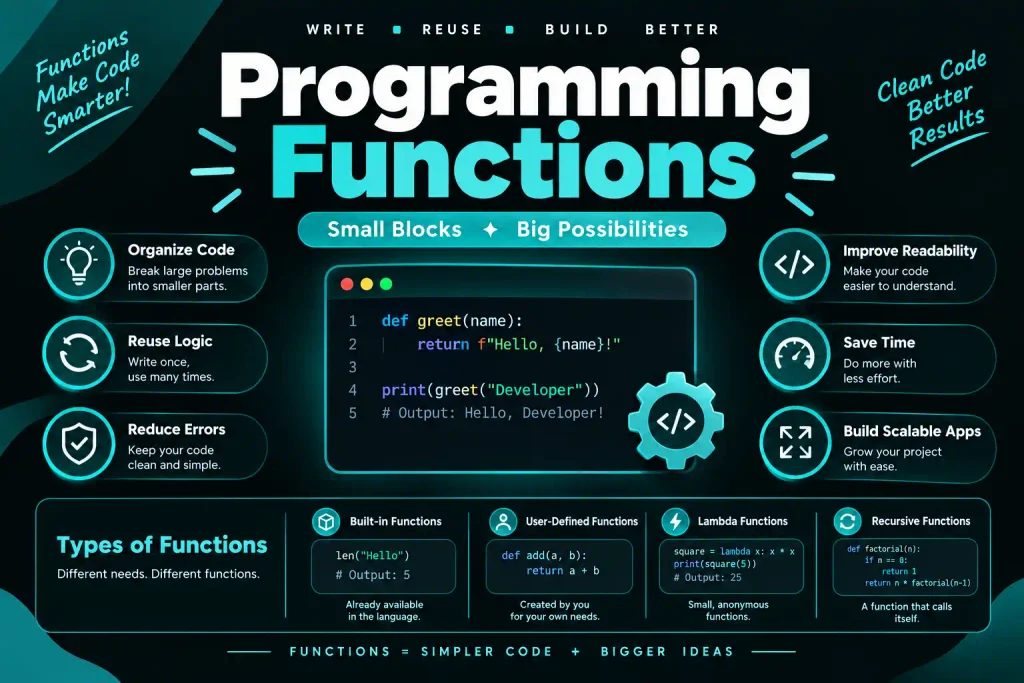
Most programming languages include built-in conversion functions. Python’s oct() function converts decimal to octal. JavaScript’s parseInt() and toString(8) methods handle the conversion.
Here’s a simple Python approach: int(binary_string, 2) converts binary to decimal, then oct() converts to octal.
Calculator Methods
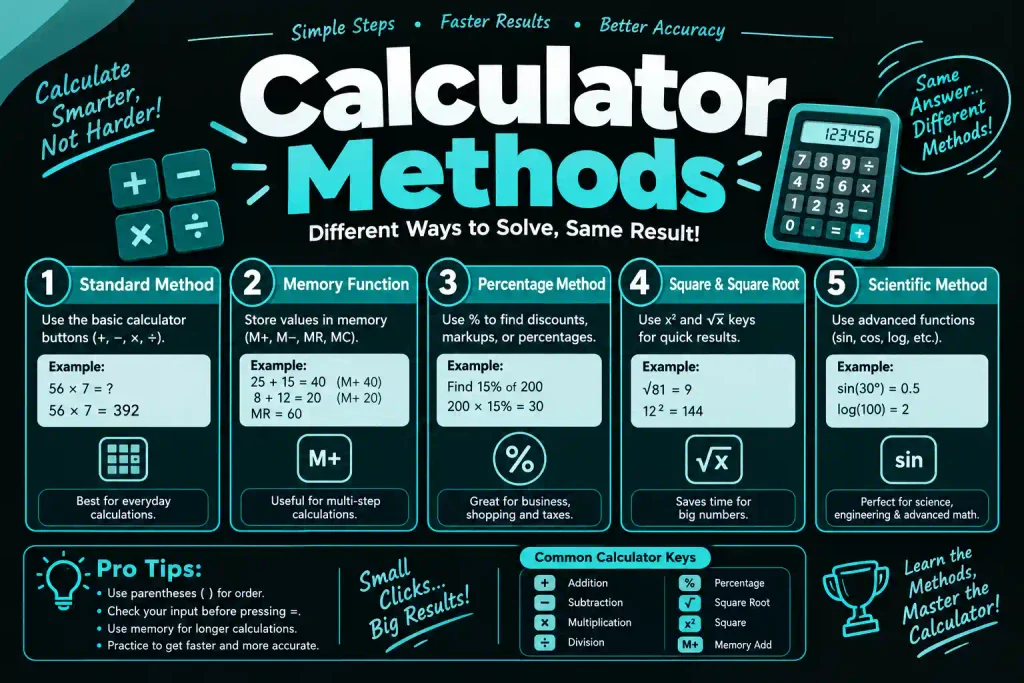
Scientific calculators have base conversion modes. Switch to programmer mode, enter your binary number, then switch to octal display. The Windows calculator and most smartphone calculator apps support this.
Binary to Octal vs Other Number System Conversions
Binary to octal shares similarities with other base conversions, but has unique advantages.
When working with data formats, you’ll often need to convert between these systems. A binary to octal converter helps with Unix permissions. A binary to hexadecimal converter makes memory dumps readable.
Binary to Octal vs Binary to Decimal
Binary to decimal requires more calculation. You must multiply each digit by powers of 2 and add them up. Binary to octal just groups digits and uses a simple lookup table.
Octal also maintains a closer relationship to binary. Three binary digits always equal one octal digit. That relationship doesn’t exist with decimal.
Binary to Octal vs Binary to Hexadecimal
The binary to hexadecimal conversion works similarly to binary to octal. Instead of grouping three digits, you group four. Hexadecimal uses base-16 with digits 0-9 and A-F.
Hexadecimal is more common in modern computing. Memory addresses, color codes, and machine code typically use hex. Octal sees use in specific applications like file permissions.
Both conversions are easier than binary to decimal because of the grouping method. Choose based on your specific need.
Common Applications of Octal Numbers in Computing
Octal numbers appear in specific computing contexts where their properties are useful.
File Permissions in Unix Systems
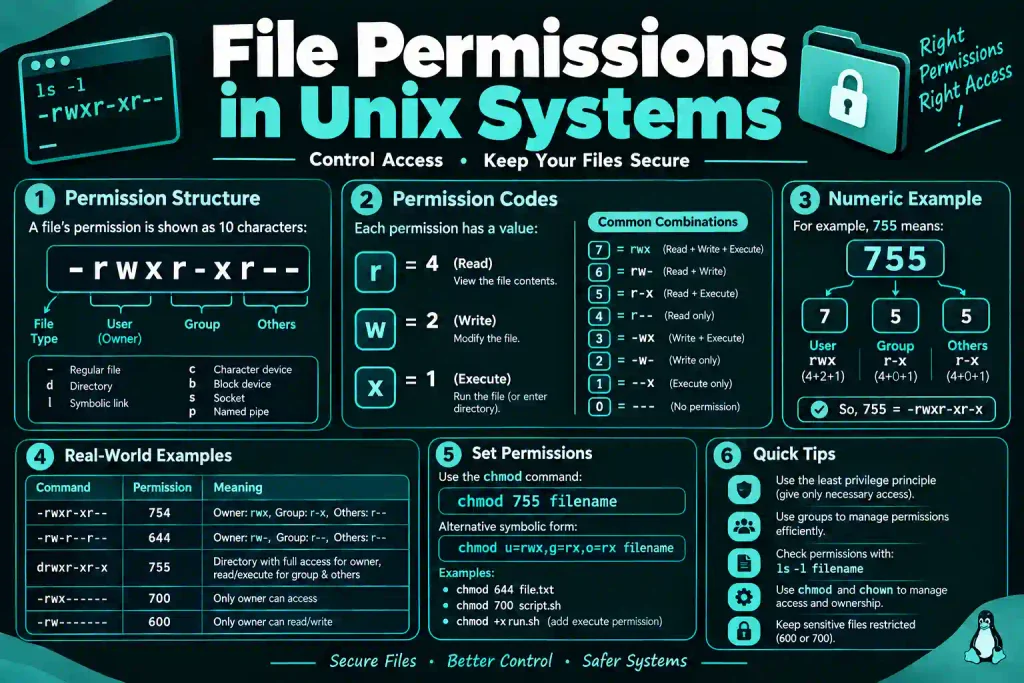
Unix file permissions use three octal digits. The first digit sets owner permissions, second sets group permissions, third sets permissions for others. Each octal digit represents read (4), write (2), and execute (1) permissions added together.
The permission 755 means: owner can read, write, execute (7=4+2+1), group can read and execute (5=4+1), others can read and execute (5=4+1).
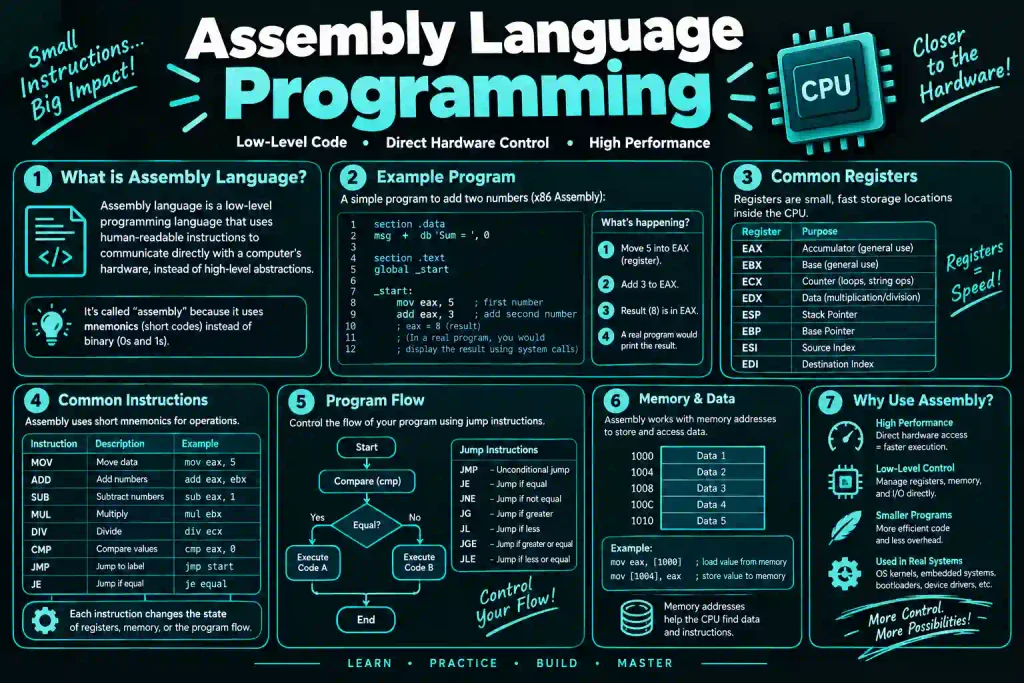
Assembly Language Programming
Some assembly languages use octal notation for opcodes and memory addresses. The PDP series of computers, influential in early computing history, used octal extensively.
Even today, learning assembly on certain platforms requires understanding octal representation.
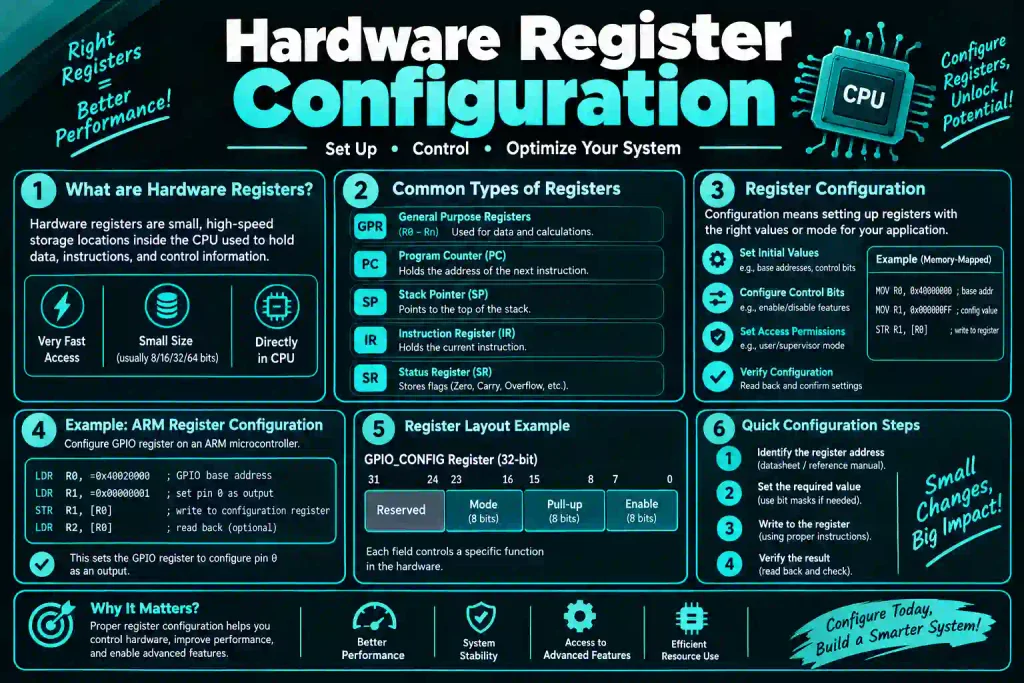
Hardware Register Configuration
Embedded systems often configure hardware through register settings. Octal makes it easy to visualize groups of three bits, which commonly control hardware features.
Setting specific pins on a microcontroller might use octal notation in the configuration code.
Tips for Faster Binary to Octal Conversion
Speed comes with practice, but these tips help you work more efficiently.
Memorize the eight basic conversions from 000 to 111. Write them on a reference card until they stick. Most people memorize them within a week of regular practice.
Mark your groupings clearly. Use spaces or underlines to separate groups of three digits. This prevents counting errors on long binary numbers.
Work right to left consistently for whole numbers. Always start from the decimal point if one exists. Developing this habit prevents the most common conversion mistakes.
Check your work by converting back to binary. This catches errors immediately and reinforces your understanding of both directions.
Practice with random binary numbers daily. Generate them with online tools or create them yourself. Five minutes of practice each day builds solid skills.